
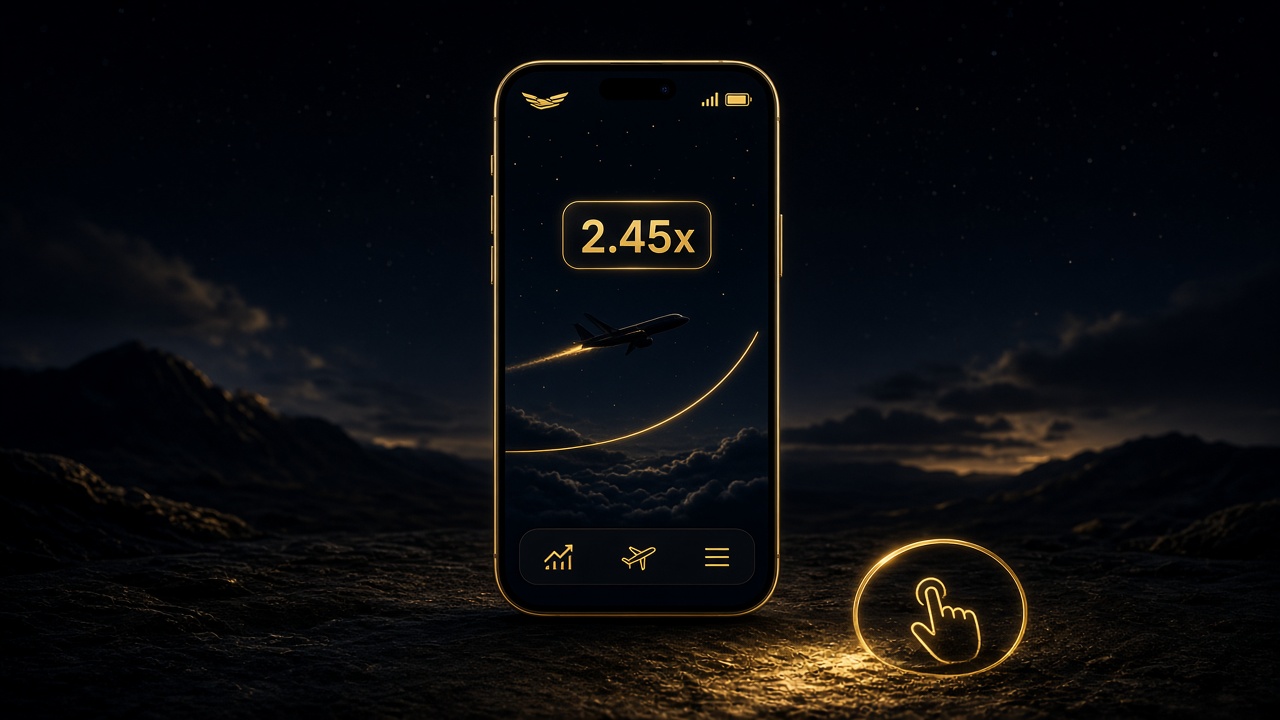
Aviator mobile Kenya
Play Aviator on mobile in Kenya
Phone layout tips for free-play practice.
This site offers free play / game introduction only. No real-money wagering on this website.
Many people in Kenya reach Aviator on a phone. Free play should stay readable on a small screen: clear labels, a usable frame, and no pressure to deposit just to “continue”.
This guide gives layout tips for practice on Cheza Aviator — not setup steps for a paid account.
Before you start
Use a stable data or Wi‑Fi connection. Open Free Play in a current browser. Confirm you see “free play only” before playing. If a page asks for M-Pesa, you have left our intended experience.
Silence distracting notifications if they break focus. Practice needs a full round in view, not rushed taps because of popups.
Screen layout
Hold the phone in landscape or portrait depending on which makes the frame readable. Avoid zooming so far that controls disappear. If the frame feels small, use “open fullscreen” when available.
Read the multiplier with your eyes, not only through screenshots. Direct reading helps timing understanding.
Safe limits
Set a time limit for practice. Free play can still create a “one more round” habit. Stop, read FAQ, or open Responsible play.
Do not mix the aviatorfree.net free play with external apps or links that demand payment. We are a free-play / introduction guide only.